HOT

Premium Refurbished Laptops You Can Trust

Touchscreen vs Non Touchscreen Laptops: Which One Should You Buy in 2026?

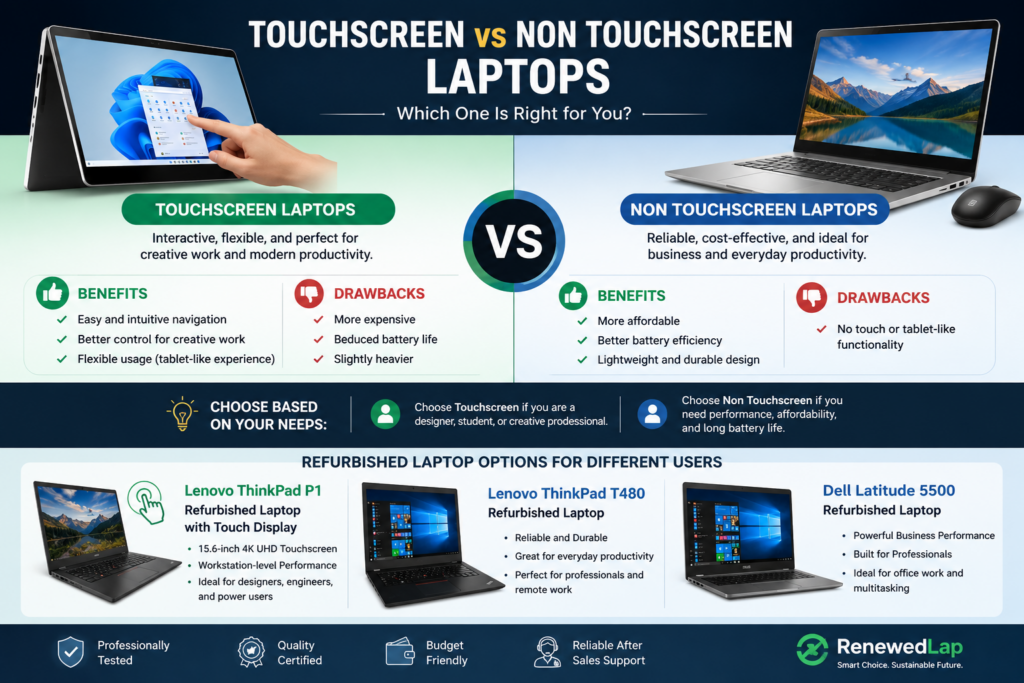
Touchscreen vs Non Touchscreen Laptops

Choosing the correct laptop can be struggling, especially when you have to decide among different features, specifications, and price ranges. One of the common decisions buyers face is Touchscreen vs Non Touchscreen Laptops. While touchscreen devices give a latest and interactive experience, traditional laptops are still preferred by many users because of their cost-effectiveness, battery efficiency, and durability.

For refurbished laptop buyers, choosing the right display type relies on how you plan to use your device. Whether you require a laptop for business work, creative projects, studying, or everyday tasks, understanding the differences between touchscreen and non-touchscreen models can help you make the right choice.

What Is a Touchscreen Laptop?

A touchscreen laptop enables users to control the device directly via the display by tapping, swiping, and using gestures. These laptops give a more convenient experience as they merge traditional keyboard functionality with touch-based navigation.

Touchscreen laptops are especially useful for professionals who work with innovative applications, designers who require precise control, and students who give priority to writing notes digitally. They also gives a smoother experience when using touch-friendly applications on Windows.

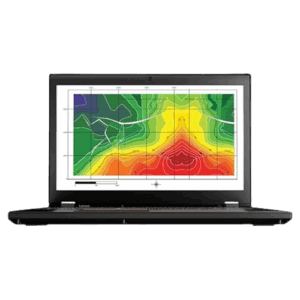
A great best is the Lenovo ThinkPad P1 Refurbished Laptop with Touch Display, which features a 15.6-inch 4K UHD touch screen along with strong workstation-level performance. It is best for users who require both productivity and interactive display features.

Benefits of Touchscreen Laptops

1. Easy Navigation

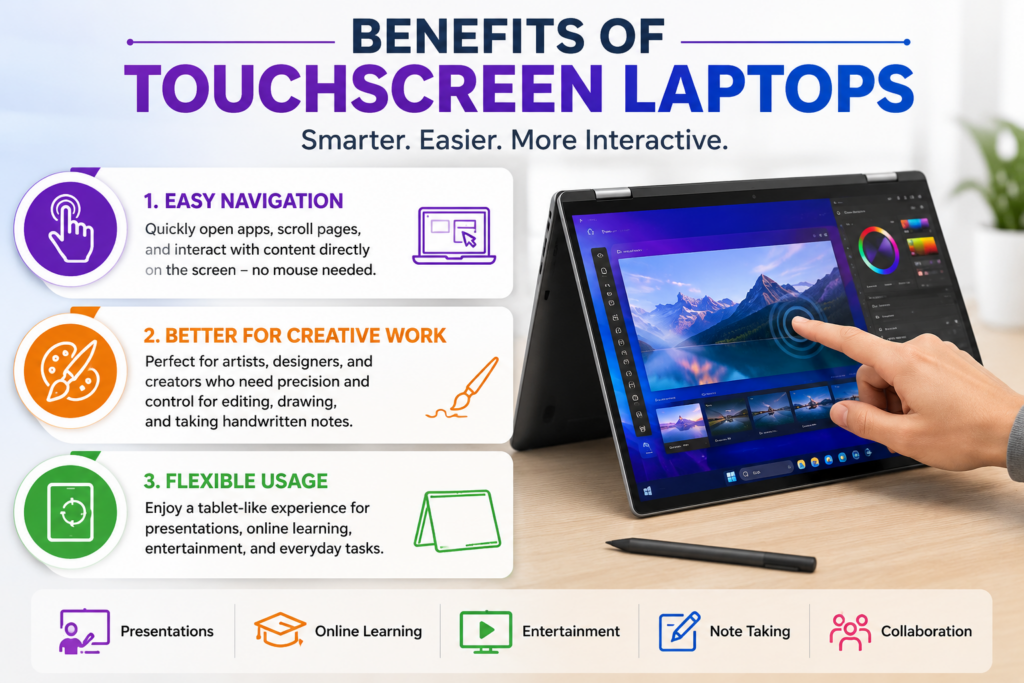
The biggest benefit of touchscreen laptops is convenience. Users can rapidly open applications, scroll through pages, and collaborate with content without relying only on a touchpad or mouse.

2. Better for Creative Work

Artists, designers, and content creators usually prefer touchscreen laptops as they gives better control while editing images, designing graphics, or maintaining handwritten notes.

3. Flexible Usage

Many touchscreen laptops can gives a tablet-like experience, making them worthful for presentations, online learning, and entertainment purposes.

Benefits of touchscreen laptops showing easy navigation, creative work, and flexible tablet-like usage

Drawbacks of Touchscreen Laptops

Although touchscreen laptops offer multiple advantages, they also have some restrictions.

  • They are usually more expensive compared to the same non-touch models.
  • Touch displays can reduce battery life as they need extra hardware.
  • Some touchscreen laptops might be heavier due to additional display components.

For users who mainly perform basic business tasks, the additional cost may not always gives enough worth.

What Is a Non-Touchscreen Laptop?

A non-touchscreen laptop uses a traditional display that is controlled via a keyboard and touchpad. These laptops are popular as they give excellent performance, reliability, and affordability.

Business professionals, programmers, office workers, and remote employees often prefer non-touchscreen laptops because they gives a convenient typing experience and larger battery performance.If you mostly work remotely,  Best Refurbished Business Laptops for Work From Home can help you choose a laptop that delivers efficient performance for regulary productivity. 

Many refurbished business laptops from Dell and Lenovo come with high-quality non-touch displays designed for professional use.

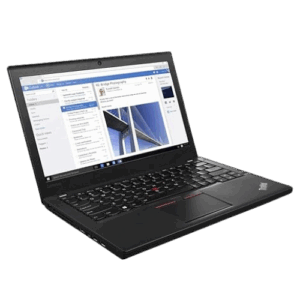
For example, the Lenovo ThinkPad T480 Refurbished Laptop is a reliable option for users who require a durable business laptop for every productivity, office applications, and remote work.

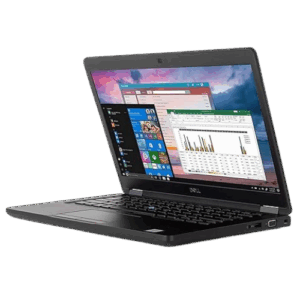
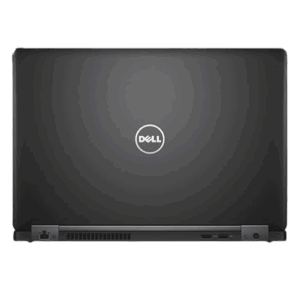
Similarly, the Dell Latitude 5500 Refurbished Laptop gives powerful performance with business-emphasized features, making it best for professionals who require dependable computing without paying premium prices.

Benefits of Non-Touchscreen Laptops

1. More Affordable Pricing

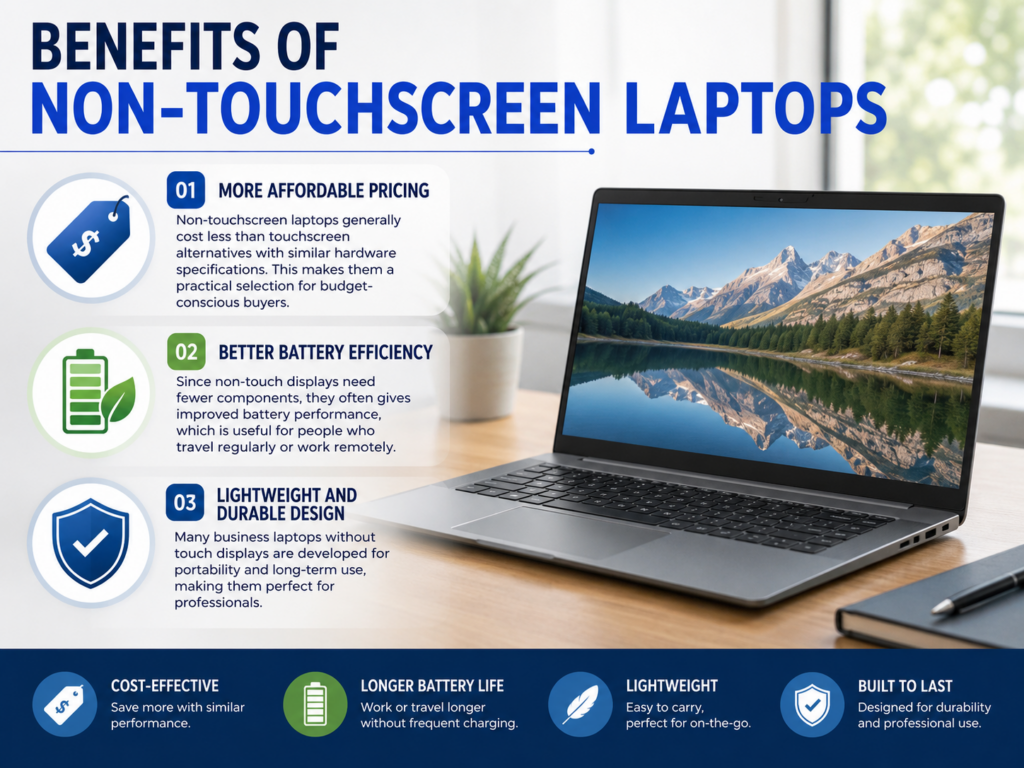
Non-touchscreen laptops generally cost less than touchscreen alternatives with similar hardware specifications. This makes them a practical selection for budget-conscious buyers.

2. Better Battery Efficiency

Since non-touch displays need fewer components, they often gives improved battery performance, which is useful for people who travel regularly or work remotely.

3. Lightweight and Durable Design

Many business laptops without touch displays are developed for portability and long-term use, making them perfect for professionals.

Benefits of non-touchscreen laptops highlighting affordability, longer battery life, and a lightweight, durable design.

Touchscreen vs Non Touchscreen Laptops: Which One Is Better?

The right choice relies on your personal needs. If you are a designer, student, or someone who frequently uses creative software, a touchscreen laptop might give extra convenience.

However, if your main task are office work, programming, business tasks, browsing, and productivity, a non-touchscreen laptop can give better value.

Before buying a refurbished laptop, consider elements like performance, battery health, display quality, storage, and your daily workflow.

Refurbished Laptop Options for Different Users

RenewedLap gives professionally tested refurbished laptops from reliable brands such as Dell and Lenovo. Buyers can select from business laptops developed for different requirements and budgets.

Users who need powerful workstation performance can consider the Lenovo ThinkPad P1 Refurbished Laptop with Touch Display, while professionals seeking for reliable everyday machines can select models like the Lenovo ThinkPad T480 Refurbished Laptop or Dell Latitude 5500 Refurbished Laptop.

Understanding your needs before purchasing assists you select a refurbished device that gives sustainable value.

If you are still comparing different models, our guide to Refurbished Laptops Worth Buying in 2026 highlights some of the best options based on performance, value, and everyday usability.

FAQ - Touchscreen vs Non Touchscreen Laptops.

1. Which is better, a touchscreen or non-touchscreen laptop?

The better choice depends on your needs. Touchscreen laptops are ideal for creative work, digital notes, and interactive tasks, while non-touchscreen laptops are better for business work, productivity, affordability, and longer battery life.

2. Are touchscreen laptops worth buying in 2026?

Yes, touchscreen laptops are worth buying for users who need flexible usage, creative applications, digital drawing, or tablet-like features. However, non-touchscreen models may provide better value for regular office and professional tasks.

3. Do touchscreen laptops have shorter battery life than non-touchscreen laptops?

Generally, touchscreen laptops may have slightly lower battery efficiency because touch displays require additional hardware and power. Non-touchscreen laptops often provide longer battery performance.

4. Are refurbished touchscreen laptops reliable?

Yes, refurbished touchscreen laptops can be reliable when they are professionally tested and certified. Checking display quality, battery health, and overall performance is important before purchasing.

5. Should I buy a refurbished touchscreen or non-touchscreen laptop for work?

For creative professionals and users who need interactive features, a refurbished touchscreen laptop can be a good option. For office work, programming, and remote tasks, a refurbished non-touchscreen laptop usually offers better affordability and durability.

Final Thoughts

Both touchscreen and non-touchscreen laptops have their own benefits. Touchscreen models gives flexibility and interactive features, while conventional laptops gives affordability, efficiency, and reliability.

When choosing between different refurbished laptops, emphasize on how you will use the device rather than choosing based only on features. The best laptop is the one that matches your workflow, budget, and performance requirements.

Facebook
WhatsApp
X
LinkedIn
Pinterest

Leave a Reply

Your email address will not be published. Required fields are marked *

0
    0
    Your Cart
    Your cart is emptyReturn to Shop